




 Sam Torres
Confused about JavaScript rendering? Got questions about what search engines and LLMs can "see" and what they can't? Need help with a particular JS issue?
You’re not alone. Sitebulb Marketing Manager Jojo asked JavaScript SEO expert, Sam Torres to answer all your questions over on the r/javascriptseo_ subreddit, and here’s a recap.
Contents:
Auditing JavaScript for SEO
How do I find out if a site is using client side rendering?
Question:
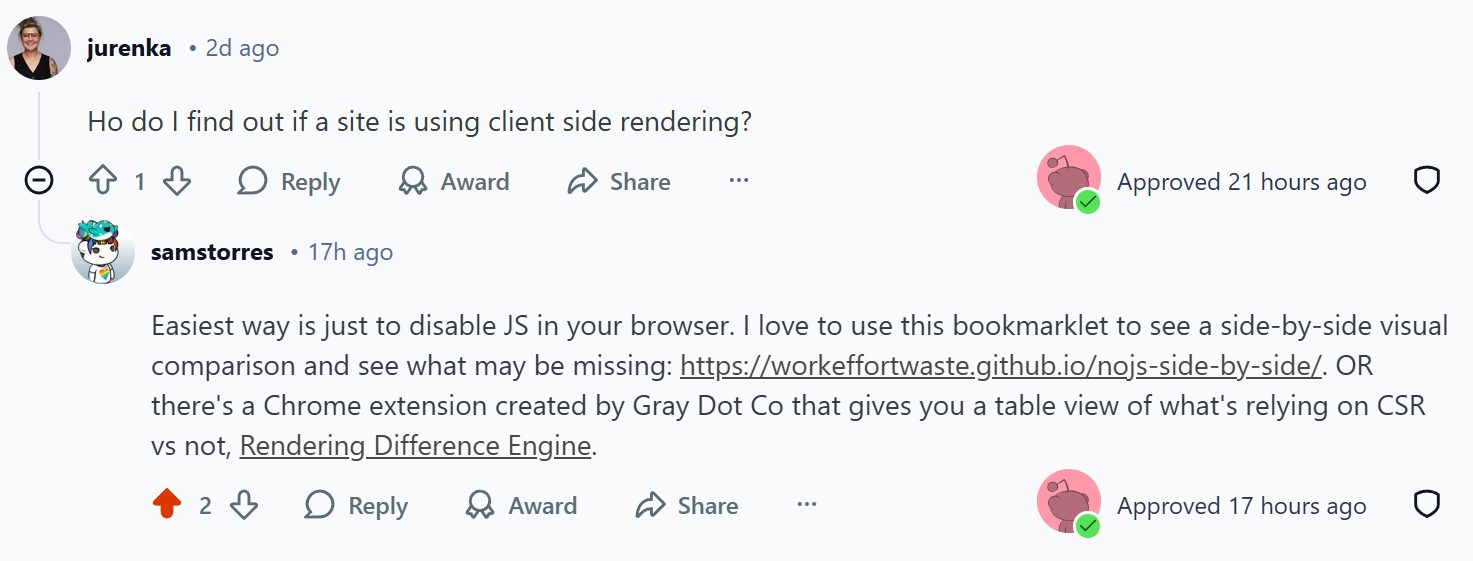
How do I find out if a site is using client side rendering?
Sam’s answer:
Easiest way is just to disable JS in your browser. I love to use this bookmarklet to see a side-by-side visual comparison and see what may be missing: https://workeffortwaste.github.io/nojs-side-by-side/. OR there's a Chrome extension created by Gray Dot Co that gives you a table view of what's relying on CSR vs not, Rendering Difference Engine.
How do tech audits change between trad SEO & AI SEO, JavaScript wise?
Question:
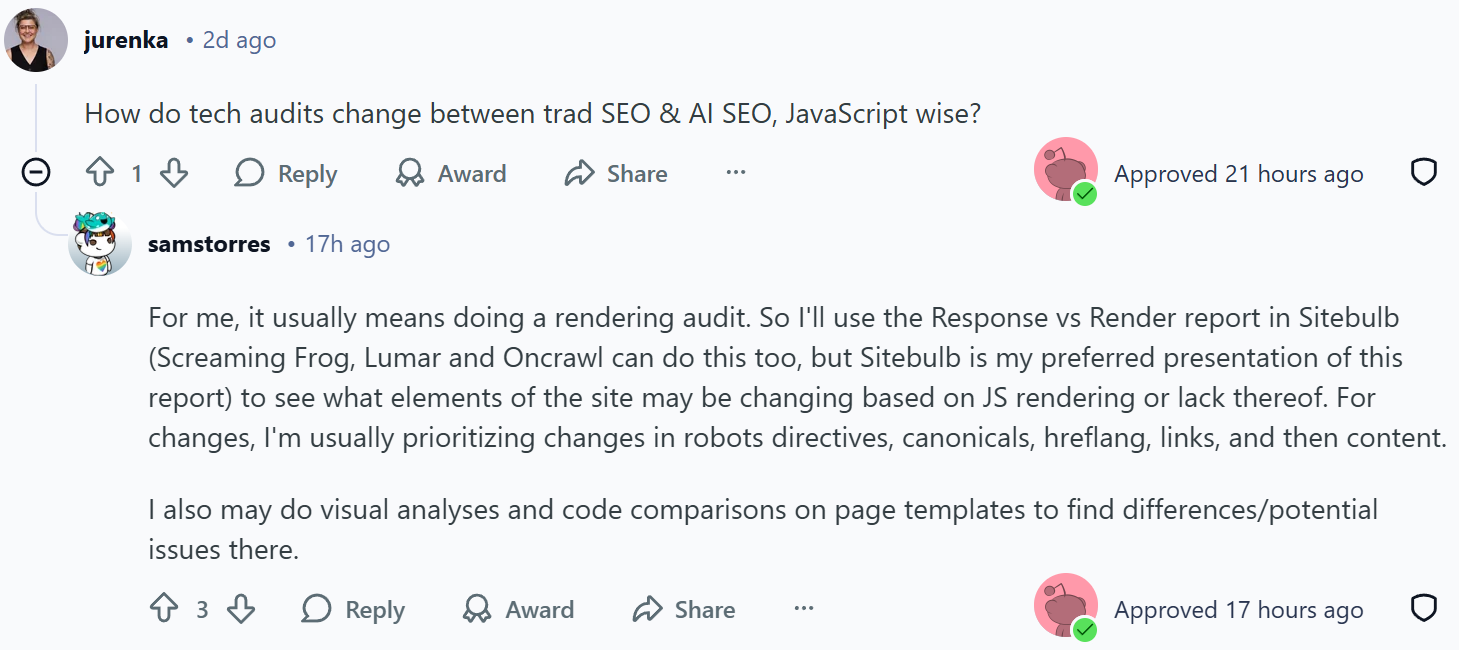
How do tech audits change between trad SEO & AI SEO, JavaScript wise?
Sam’s answer:
For me, it usually means doing a rendering audit. So I'll use the Response vs Render report in Sitebulb (Screaming Frog, Lumar and Oncrawl can do this too, but Sitebulb is my preferred presentation of this report) to see what elements of the site may be changing based on JS rendering or lack thereof. For changes, I'm usually prioritizing changes in robots directives, canonicals, hreflang, links, and then content.
I also may do visual analyses and code comparisons on page templates to find differences/potential issues there.
Are there any indicators showing a CSR website is hitting crawl budget limits - what is the reason to recommend an alternative rendering method?

Question:
I'm wondering if there are indicators showing a CSR website is hitting crawl budget limits - what is the reason to recommend an alternative rendering method such as implementing SSR or dynamic rendering e.g. Prerender?
Sam’s answer:
Crawl budget generally isn't the concern when it comes to JS-based content. It's more about any timeouts or errors while crawling. You can see some of the stats about this in your Crawl Stats report in GSC, but logfile data will be the best place to get this information.
The reason to recommend alternative rendering options is to limit the lift on crawlers. For example, with Google, we know that the crawl queue and rendering queue are two different queues. A study by Onely in 2022 showed that it takes Google 9X the effort to render content that's dependent on JS. So any time we can make the crawler work less to understand our content, that's ideal. And in my experience, I've seen that shift rewarded with impressions and clicks.
Now there's also an added issue of elements or content changing between the response HTML and the rendered HTML. This can cause HUGE issues if it's changing things like robots directives, canonicals, etc. For example, if the response HTML has a noindex directive, but it changes to a index directive once JS is executed then Google will not actually take the time to put that URL through the rendering queue.
Learn more: How to Audit JavaScript for SEO by Sam Torres
JavaScript & AI search visibility
How do AI Chatbots see Javascript content?

Question:
How do AI Chatbots see Javascript content? Is there anything different that needs to be done for AI search visibility?
Sam’s answer:
In general, crawlers for LLMs and chatbots do NOT execute JavaScript and so if your content can only be seen by JS rendering, then that proves problematic for the crawlers. The exceptions to this are Google and Bing, because they already have bots that are rendering pages. And also note that some of the LLMs are using search results from Google to power their responses (more on that here: https://searchengineland.com/openai-chatgpt-serpapi-google-search-results-461226). So it's likely that your content is still getting to an LLM in some form, but maybe not as easily which means it's less prominent. (Crawlers like things to be easy.)
What does this mean you should do differently? You don't need to convert your entire site to SSR or SSG, but I would say prioritize those important page signals and content to be pre-rendered in some form, and not rely on CSR. Most of the popular JS frameworks allow for some components to be statically rendered - so leverage those options. Content like blog articles, product features, etc. These are unlikely to change minute to minute, so have a daily build for those that is easily accessible makes a lot of sense. This also makes crawling and understanding easier for Google, so win win.
Real-life example: JavaScript content is rendered but opacity is set at 0 - could this impact SEO/AI visibility?
Question:
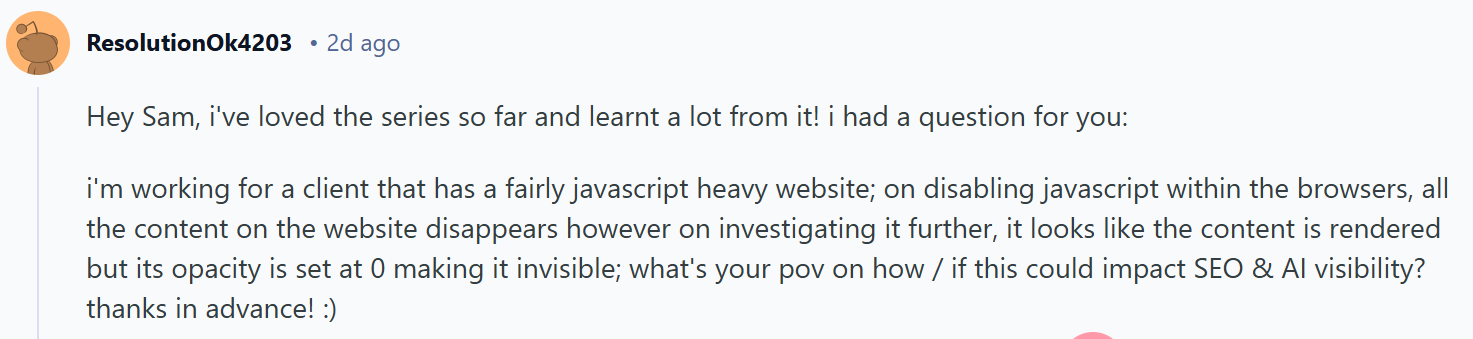
I'm working for a client that has a fairly javascript heavy website; on disabling javascript within the browsers, all the content on the website disappears however on investigating it further, it looks like the content is rendered but its opacity is set at 0 making it invisible; what's your pov on how / if this could impact SEO & AI visibility? thanks in advance! :)
Sam’s answer:
Ooh, that's an interesting one! The good news is that it sounds like the content is there to still be consumed by crawlers. I would be worried about how this looks to Google (does it look spammy or misleading) more than I'd worry about how it looks to crawlers for LLMs/AI tools. So I'd likely go into GSC to see how Google is fetching that content, running some manual searches to see if the content is indexed appropriately. But in short, I'd say this is maybe a minor hiccup, and while I do think removing the opacity change would be ideal, it's probably not hindering your visibility too much right now.
Schema markup - how has this changed now that LLMs can't render it unless in raw html?
Question:
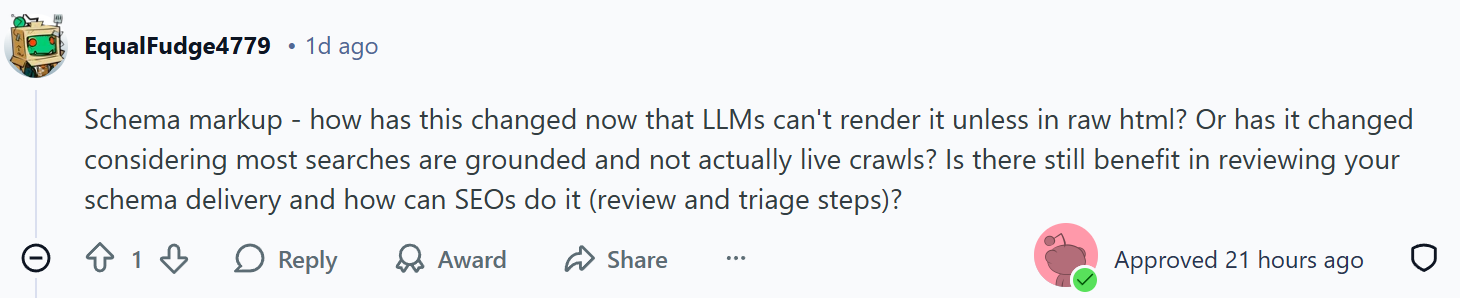
Schema markup - how has this changed now that LLMs can't render it unless in raw html? Or has it changed considering most searches are grounded and not actually live crawls? Is there still benefit in reviewing your schema delivery and how can SEOs do it (review and triage steps)?
Sam’s answer:
Funny thing about this: for many JS frameworks, the content of your structured data is likely in the response HTML as JSON (yes, so it's a JSON of the JSON) which LLM crawlers can read and understand. So the structured data is still extremely valuable, and I'm in the camp that LLMs find it very useful since it's a closed language set and clearly defined. (Also check out NLWeb and what's happening with that.)
I would prioritize the important priority page items (like robots directives, canonical, hreflang, title, etc.) before requesting that structured data be in the response HTML in the format/syntax we're familiar with. And if it's a big lift, try testing on a couple page types and schema types before doing that across the site to find any changes/lift.
You might also like: Advanced SEO for AI Training Course with Zach Chahalis
Rendering methods explained
What are the general impacts on SEO between CSR, SSR, SSG and hybrid?
Question:
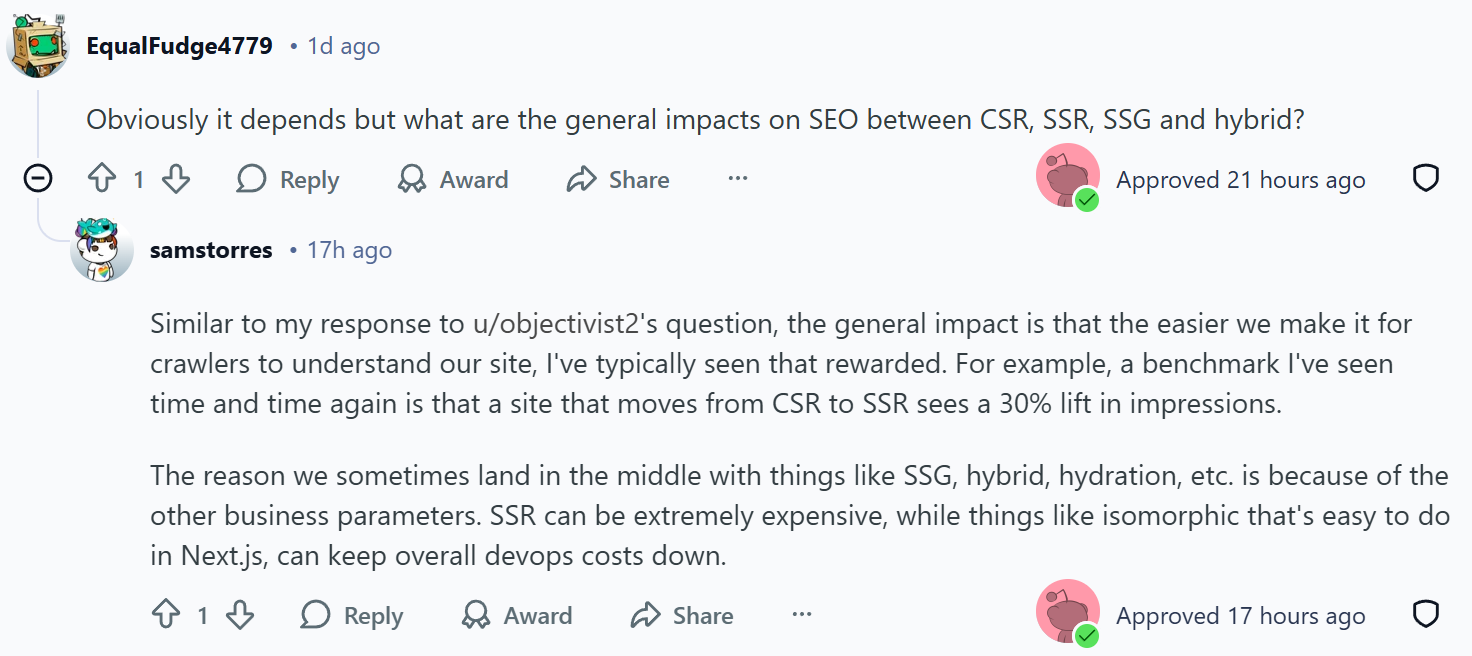
Obviously it depends but what are the general impacts on SEO between CSR, SSR, SSG and hybrid?
Sam’s answer:
Similar to my response to u/objectivist2's question, the general impact is that the easier we make it for crawlers to understand our site, I've typically seen that rewarded. For example, a benchmark I've seen time and time again is that a site that moves from CSR to SSR sees a 30% lift in impressions.
The reason we sometimes land in the middle with things like SSG, hybrid, hydration, etc. is because of the other business parameters. SSR can be extremely expensive, while things like isomorphic that's easy to do in Next.js, can keep overall devops costs down.
Are there any indicators showing a CSR website is hitting crawl budget limits - what is the reason to recommend an alternative rendering method?

Question:
I'm wondering if there are indicators showing a CSR website is hitting crawl budget limits - what is the reason to recommend an alternative rendering method such as implementing SSR or dynamic rendering e.g. Prerender?
Sam’s answer:
Crawl budget generally isn't the concern when it comes to JS-based content. It's more about any timeouts or errors while crawling. You can see some of the stats about this in your Crawl Stats report in GSC, but logfile data will be the best place to get this information.
The reason to recommend alternative rendering options is to limit the lift on crawlers. For example, with Google, we know that the crawl queue and rendering queue are two different queues. A study by Onely in 2022 showed that it takes Google 9X the effort to render content that's dependent on JS. So any time we can make the crawler work less to understand our content, that's ideal. And in my experience, I've seen that shift rewarded with impressions and clicks.
Now there's also an added issue of elements or content changing between the response HTML and the rendered HTML. This can cause HUGE issues if it's changing things like robots directives, canonicals, etc. For example, if the response HTML has a noindex directive, but it changes to a index directive once JS is executed then Google will not actually take the time to put that URL through the rendering queue.
Learn more:
Guide to Web Rendering Techniques by Matt Hollingshead
Advanced SEO Guide to Rendering by Carlos Sanchez
Optimizing JavaScript websites
Let's talk SPA’s - what are the key suggestions there considering it's a Java hell?
Question:
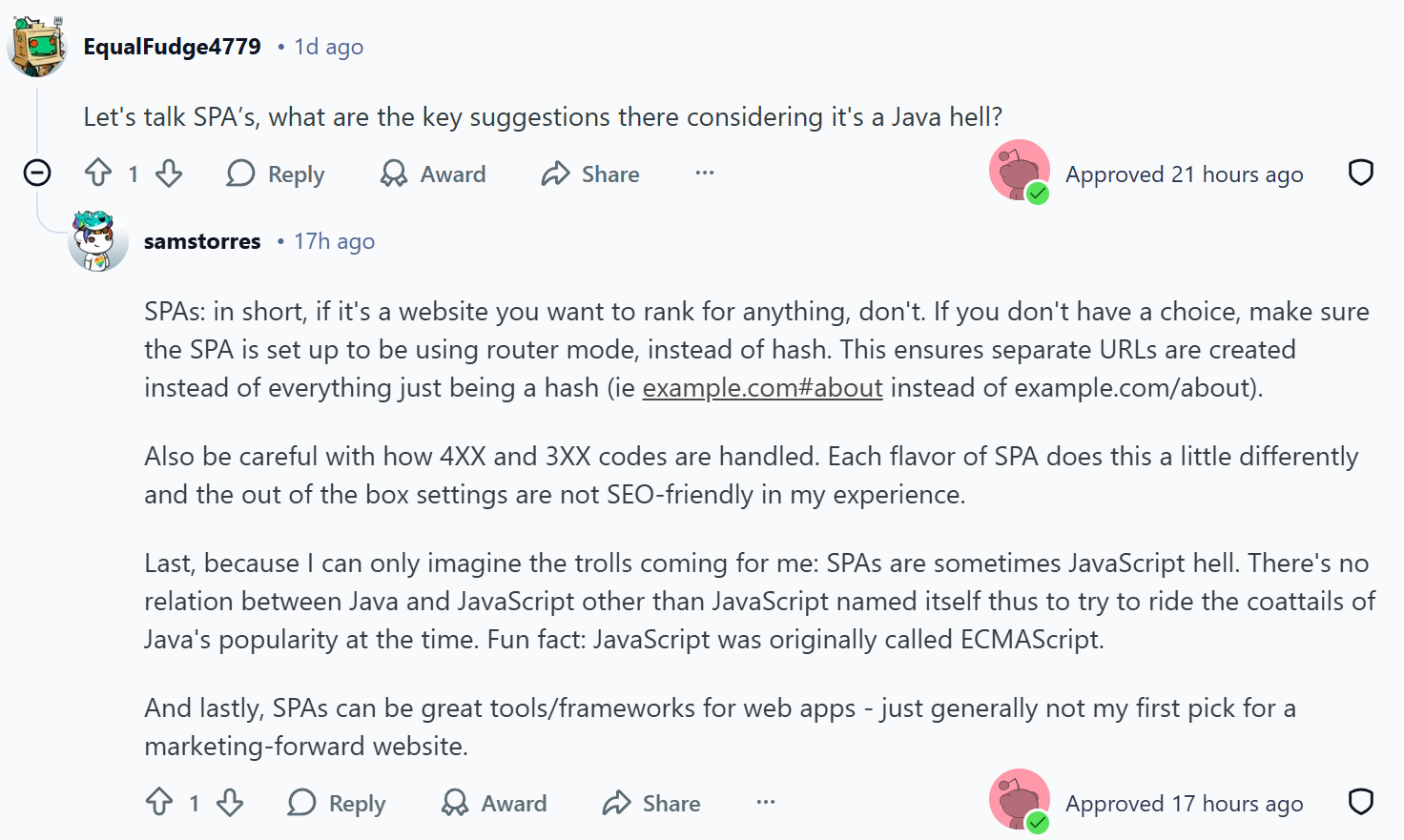
Let's talk SPA’s, what are the key suggestions there considering it's a Java hell?
Sam’s answer:
SPAs: in short, if it's a website you want to rank for anything, don't. If you don't have a choice, make sure the SPA is set up to be using router mode, instead of hash. This ensures separate URLs are created instead of everything just being a hash (ie example.com#about instead of example.com/about).
Also be careful with how 4XX and 3XX codes are handled. Each flavor of SPA does this a little differently and the out of the box settings are not SEO-friendly in my experience.
Last, because I can only imagine the trolls coming for me: SPAs are sometimes JavaScript hell. There's no relation between Java and JavaScript other than JavaScript named itself thus to try to ride the coattails of Java's popularity at the time. Fun fact: JavaScript was originally called ECMAScript.
And lastly, SPAs can be great tools/frameworks for web apps - just generally not my first pick for a marketing-forward website.
If you were starting a new product today, what stack would you choose and what would you avoid?
Question:
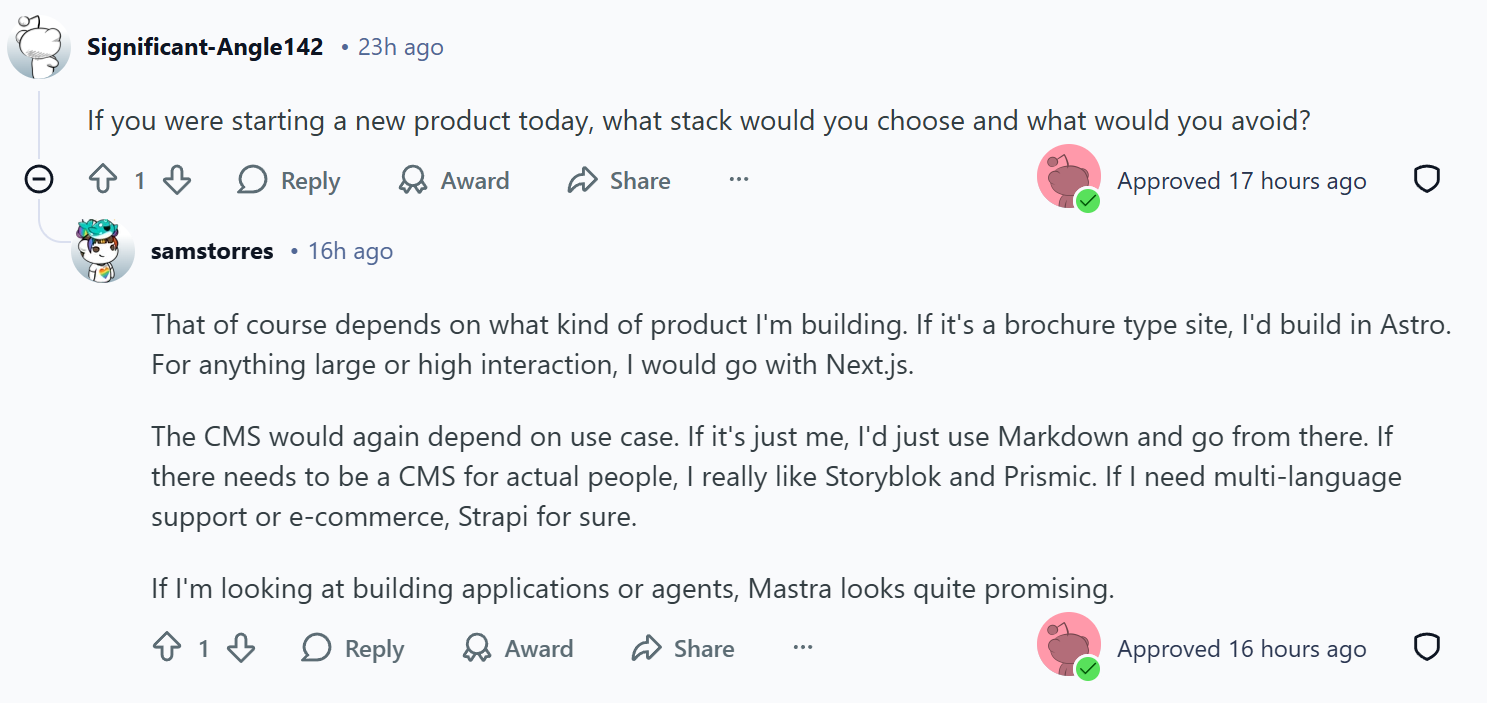
If you were starting a new product today, what stack would you choose and what would you avoid?
Sam’s answer:
That of course depends on what kind of product I'm building. If it's a brochure type site, I'd build in Astro. For anything large or high interaction, I would go with Next.js.
The CMS would again depend on use case. If it's just me, I'd just use Markdown and go from there. If there needs to be a CMS for actual people, I really like Storyblok and Prismic. If I need multi-language support or e-commerce, Strapi for sure.
If I'm looking at building applications or agents, Mastra looks quite promising.
If you had to pick: worker threads, clustering, or horizontal scaling first, which and why?
Question:
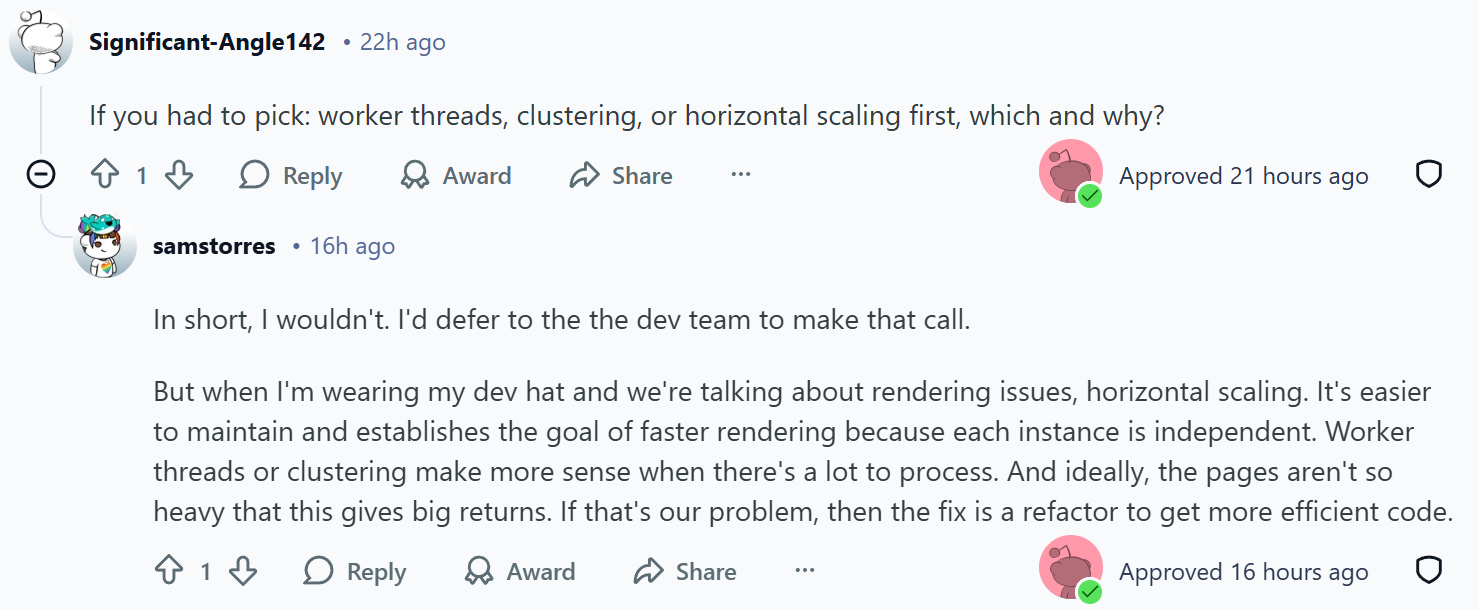
If you had to pick: worker threads, clustering, or horizontal scaling first, which and why?
Sam’s answer:
In short, I wouldn't. I'd defer to the the dev team to make that call.
But when I'm wearing my dev hat and we're talking about rendering issues, horizontal scaling. It's easier to maintain and establishes the goal of faster rendering because each instance is independent. Worker threads or clustering make more sense when there's a lot to process. And ideally, the pages aren't so heavy that this gives big returns. If that's our problem, then the fix is a refactor to get more efficient code.
Tools and testing
Should you rely on bookmarklets and/or extensions to test or is understanding the code a must?
Question:
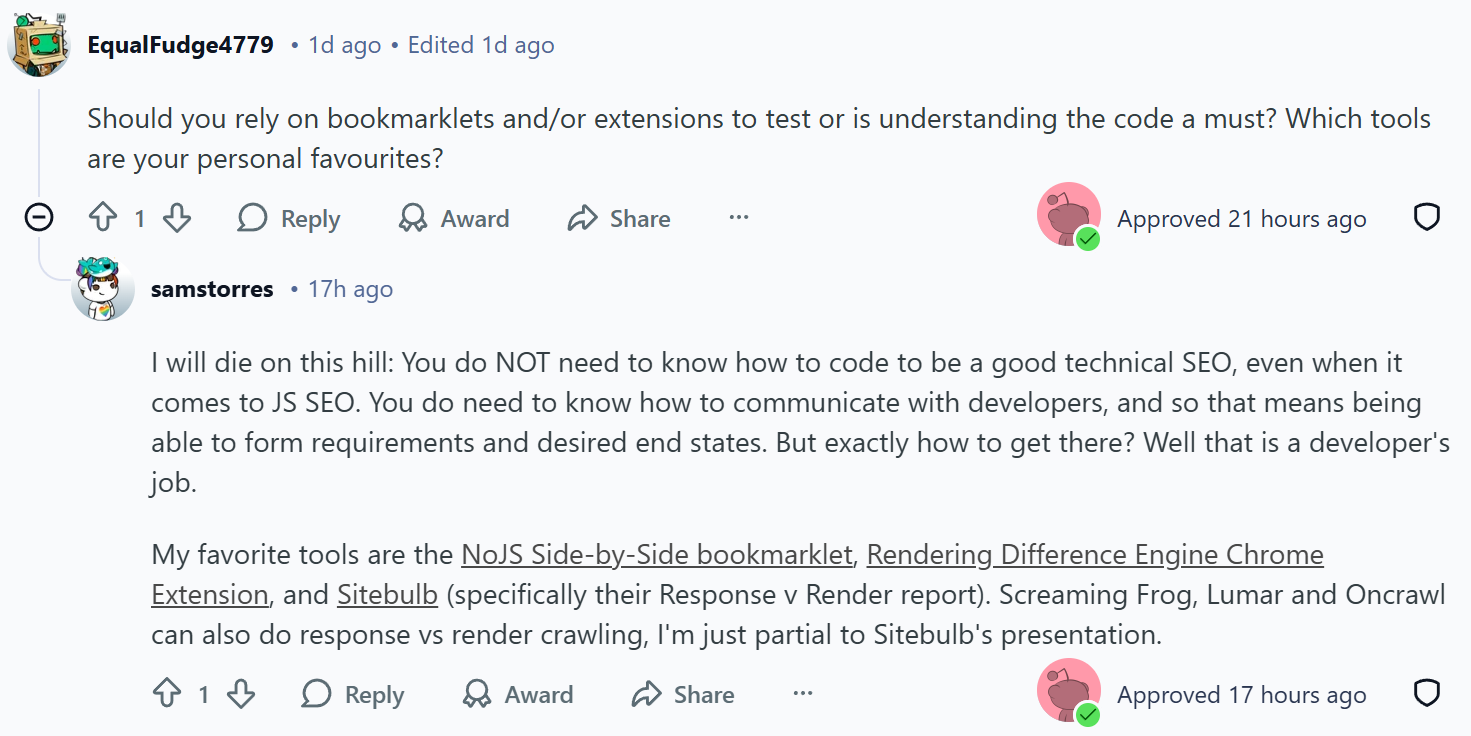
Should you rely on bookmarklets and/or extensions to test or is understanding the code a must? Which tools are your personal favourites?
Sam’s answer:
I will die on this hill: You do NOT need to know how to code to be a good technical SEO, even when it comes to JS SEO. You do need to know how to communicate with developers, and so that means being able to form requirements and desired end states. But exactly how to get there? Well that is a developer's job.
My favorite tools are the NoJS Side-by-Side bookmarklet, Rendering Difference Engine Chrome Extension, and Sitebulb (specifically their Response v Render report). Screaming Frog, Lumar and Oncrawl can also do response vs render crawling, I'm just partial to Sitebulb's presentation.
Do you have a favourite headless CMS?
Question:
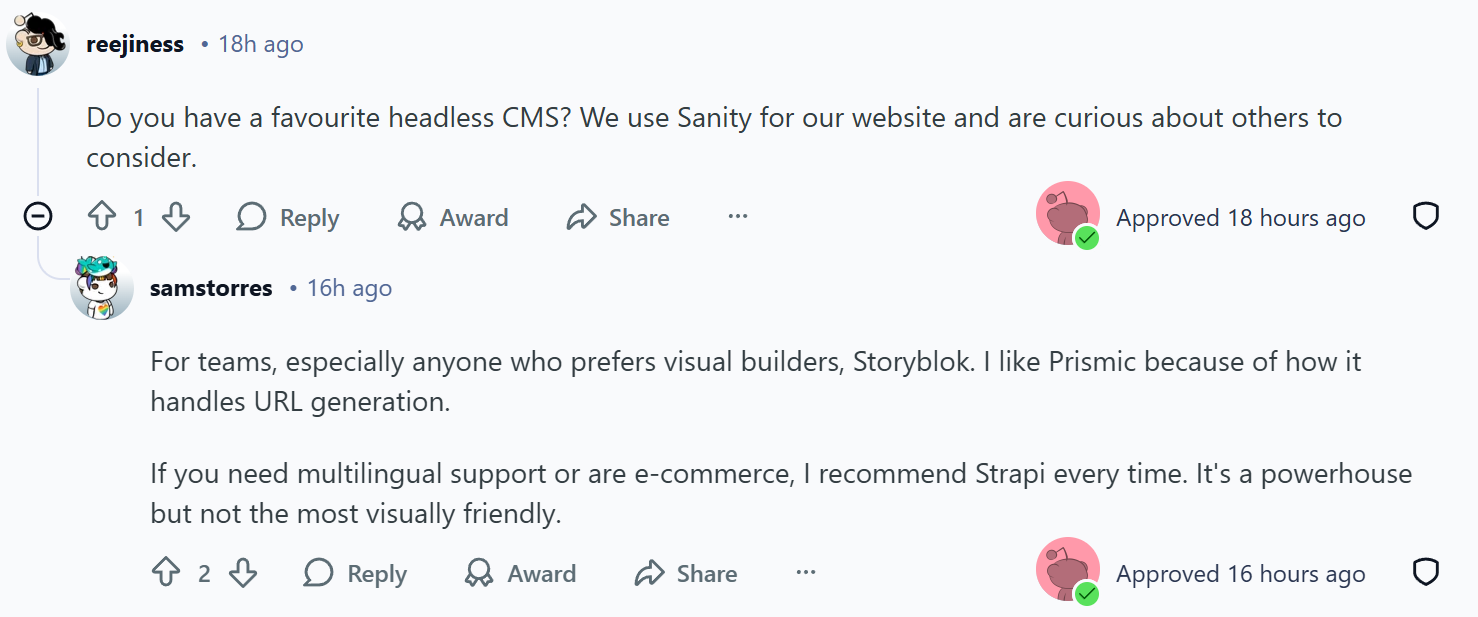
Do you have a favourite headless CMS? We use Sanity for our website and are curious about others to consider.
Sam’s answer:
For teams, especially anyone who prefers visual builders, Storyblok. I like Prismic because of how it handles URL generation.
If you need multilingual support or are e-commerce, I recommend Strapi every time. It's a powerhouse but not the most visually friendly.
Working with devs
What recommendations do you have for those of us working with Web Developers who code primarily in Javascript?

Question:
What recommendations do you have for those of us working with Web Developers who code primarily in Javascript? How can we direct them to use it in a way that is SEO/GEO friendly?
Sam’s answer:
First thing to keep in mind is that they're people, and they have their own goals/KPIs set. This means always approach with empathy. Also recognize that they are the expert in their own field. Yes, there are sometimes some bad eggs, but dev is becoming more and more of a team sport that I don't run into the lone wolf dev much anymore.
I'd become good friends with the Google Search Central documentation. A lot of times what we're asking for is already documented there, and because it's from Google's domain, tends to carry a lot of weight. This also brings up that as SEOs, we should be describing the end result that we want. I see sometimes where SEOs get really prescriptive about HOW they want something to work (i.e. "We have to have SSR or Google will ignore us"). In that example, the end result is really that the SEO wants the page meta information, links and content to be visible to Google's crawler in the response HTML. There are a myriad of ways to accomplish this - let the developer determine the best way. They have knowledge of the web stack, server capabilities, etc. that means they just have more context to make the right choice (and they have other concerns to weigh that against, like operations costs, etc.).
Lastly, be upfront and documented with what your QA process looks like. What tools are you using? What are you looking for? How do you tell if a change worked or not? This makes it easier to communicate the wins, and where you get stuck when things may not be working.
Sitebulb TL;DR & resources
💡Auditing is your starting point: Use tools like Sitebulb's Response v Render Report to identify what content is missing or changing due to JavaScript rendering. Disable JS with bookmarklets like NoJS Side-by-Side or use Chrome extensions like Rendering Difference Engine to visually compare what crawlers see versus what users see.
💡AI crawlers don't execute JavaScript (mostly): LLM crawlers generally can't render JS, with exceptions being Google and Bing who already have rendering capabilities. If your content relies on client-side rendering, it's less accessible to AI search tools, which means reduced visibility in AI-generated responses.
💡Prioritize pre-rendering critical content: You don't need to convert your entire site to SSR or SSG, but important page signals (robots directives, canonicals, hreflang, titles) and key content should be pre-rendered and not rely on client-side rendering. Most modern JS frameworks support static rendering for specific components.
💡Easier crawling = better results: Sites that move from CSR to SSR typically see around a 30% lift in impressions. Google takes 9x more effort to render JS-dependent content, so reducing that burden tends to be rewarded with improved visibility.
💡SPAs need special attention: If you're building a marketing website that needs to rank, avoid single-page applications. If you must use one, ensure it's set up with router mode (not hash mode) and carefully manage how 4XX and 3XX codes are handled, as default SPA settings are rarely SEO-friendly out of the box.
💡You don't need to code to excel at JavaScript SEO: Understanding how to communicate requirements and desired outcomes to developers is far more important than knowing how to code. Focus on describing the end result you need rather than prescribing the technical implementation.
💡Response HTML inconsistencies cause major issues: When critical elements like robots directives or canonicals change between response HTML and rendered HTML, it can prevent Google from properly indexing your pages. If response HTML contains a noindex directive, Google won't even bother rendering the page.
💡Structured data still matters for AI: Many JS frameworks include structured data as JSON in the response HTML, which LLM crawlers can read and understand. Schema markup remains valuable because it uses a closed, clearly-defined language set that makes content easier for AI to process.
💡Approach developers with empathy and clarity: Remember that developers have their own KPIs and expertise. Use Google Search Central documentation to support your recommendations, describe the desired end result rather than dictating the solution, and document your QA process clearly so everyone knows how success is measured.
Resources & editor’s note
To dive deeper into JavaScript SEO, check out these resources:
How to Audit JavaScript for SEO by Sam Torres
Rendering Difference Engine Chrome Extension by Gray Dot Co
Response v Render Report in Sitebulb
Guide to Web Rendering Techniques by Matt Hollingshead
Advanced SEO Guide to Rendering by Carlos Sanchez
Advanced SEO for AI Training Course with Zach Chahalis
Massive thanks to Sam for her time and insights during this AMA. You can get in on all the JavaScript SEO discussion by joining the subreddit here. And if you haven’t already, make sure you sign up for the free JavaScript SEO training course with Sam (and the incredible Tory Gray)!

Sitebulb is a proud partner of Women in Tech SEO! This author is part of the WTS community. Discover all our Women in Tech SEO articles.

Formerly of Gray Dot Co, now as the Tech SEO Senior Manager at Pipedrive, Sam Torres uses her multidisciplinary background as a developer and data architect to solve complex problems at the intersection of marketing and technology. She is known for blurring the lines between disciplines to deliver creative, high-impact technical strategies with a transparent and honest approach.

Related Articles
 JavaScript SEO in the Age of AI: Will Kennard Answers Your Questions

 Agency Technical SEO in 2026: AMA with Tory Gray & Patrick Hathaway
 These WordPress Website Mistakes Could Hurt Your Brand’s Credibility

 Sitebulb Desktop
Find, fix and communicate technical issues with easy visuals, in-depth insights, & prioritized recommendations across 300+ SEO issues.
- Ideal for SEO professionals, consultants & marketing agencies.
 Sitebulb Cloud
Get all the capability of Sitebulb Desktop, accessible via your web browser. Crawl at scale without project, crawl credit, or machine limits.
- Perfect for collaboration, remote teams & extreme scale.